5 Best Online Video Editors To Edit Videos In Minutes!
How many times have you come across a video and wondered, "How the heck did they do that?" While some videos require filming with special equipment in unique settings, there are several easy ways to edit your own video clips.
Regardless of how the video was recorded, users may edit them online, using an online video editor. Online video editors are typically used to focus on videos by adding effects and transitions by editing.
What is a Video Editor?
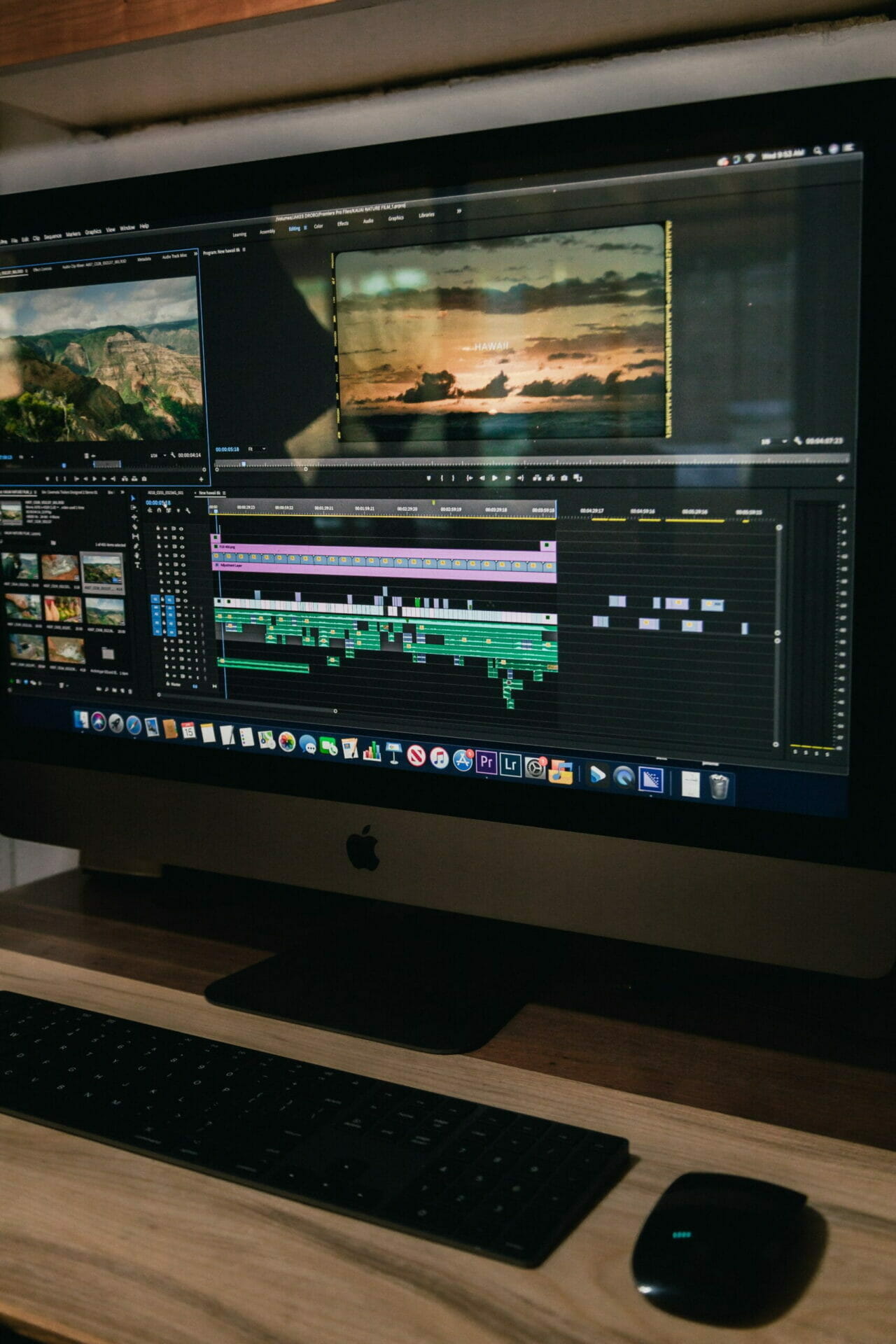
A video editor is software that you can use to create your own videos. It has a lot of features and options for customization, so it's the best way to get exactly what you want from your videos.
A video editing tool that enables the user to edit an existing video regarding adding or removing certain parts of it. The program comes with special effects and tools that help the user to create short films, commercials, documentaries, etc. The software can be used by anyone who wants to make his/her own movie or edit videos for fun.
5 Best Online Video Editors To Edit Videos In Minutes!
The following Five online video editors can help you create editing magic with little or no prior knowledge of how to use them.
1. FlexClip - Perfect for Beginners
FlexClipis a video creation tool that allows you to easily create promo videos, explainer videos, social media ads and more by using your product photos and video clips.
Using this video editing software, you can quickly create visually attractive videos. With hundreds of video templates, motion presets, and a huge stock clip collection to begin with.
PRICING PLANS PER MONTH
Free plan: (Limited Plan) - Start with a FREE plan!
Only 480P video quality.
Single royalty-free use of stock video in each video.
Save 12 video projects under your account only.
The length of the video shouldn’t exceed a minute.
Basic plan: (Monthly/Annually)
720P quality video for download.
Single royalty-free use of stock video in each video.
Save 50 video projects for future editing.
The length of the video shouldn’t exceed 3 minutes.
You can custom your own logo on the video as a watermark.
Without a watermark of FlexClip.com on your video.
Plus plan: (Monthly/Annually)
480P, 720P, and 1080P video download.
Free use of 5 royalty-free stock videos in each video.
You can save 200 video projects for future editing.
The length of the video is 10 minutes long.
You can custom your own logo on the video as a watermark.
Without a watermark of FlexClip.com on your video.
Business plan: (Monthly/Annually)
480P, 720P, and 1080P video download.
Free use of 5 royalty-free stock videos in each video.
You can save 1000 video projects for future editing.
The length of the video shouldn’t exceed 30 minutes.
You can custom your own logo on the video as a watermark
Without a watermark of FlexClip.com on your video.
Lifetime Deal plan:
You may purchase the FlexClip Lifetime Dealstraight from Dealmirror, which gives us access to all of the program's features for the rest of our lives. Only $49.00 is required to get the lifetime offer. Grab itherewhile you can!
Wondershare Filmora is video-editing software that allows users to edit, trim and manipulate their videos. It was first released in the year 2012 by Wondershare Software Co., Ltd, which is based in China. Filmora comes with an array of features that have made it popular among its users.
The software is pretty powerful. You can record your videos by taking advantage of a screen recorder, webcam, and voice-over with the help of this program. It has everything you want to make very good motion pictures but leaves out some advanced features.
PRICING PLANS PER MONTH
Monthly Plan US$ 19.99 Billed monthly, cancel any time
Get the latest updates as long as you're subscribed
All features
No Watermark
Senior Tech Support
3. Invideo
InVideo is an online video maker that makes it easy for anyone to create and edit videos in minutes, even without prior video editing experience. InVideo helps brands and content creators make all types of engaging videos across YouTube and social media channels so they can increase their following and grow their business.
InVideo makes it easy for anyone to create stunning, professional-quality videos without spending too much time or money. With its extensive library of templates, users can customize their videos according to their needs. It has user-friendly features that make it easy for them to create videos that support their content strategy, whether that's getting more leads or increasing sales conversions.
PRICING PLANS PER MONTH
Free
For anyone validating Invideo as a professional video creation tool.
$0/month
Free forever
Get Started
InVideo Watermark
5000+ Video Templates
Three million+ Standard Media Library
Automated Text to Speech
15min video duration per video
Business
For small businesses, entrepreneur, teachers, and social media influencers
$30/month
Billed monthly until canceled
Get business
No watermark on videos
Everything in free plan
10 iStock media per month
One million+ Premium Media
60 video exports per month
Unlimited
For agencies and large teams with advanced storage and team sharing
$60/month
Billed monthly until canceled
Get unlimited
No watermark on videos
Everything in free plan
120 iStock media per month
One million+ Premium Media
Unlimited video exports/month
4. Clipchamp
Clipchamp is a video editing program that helps users to create stunning videos. You can upload your own photos, and videos, as well as select from the library of music. It has various features that help you to produce professional-looking content easily.
With this intuitive software, you can make the most of your video clips by adding transitions, effects, title pages, and filters. The users can produce stunning slideshows with animations and music.
PRICING PLANS PER MONTH
Basic - FREE
Limited for personal use
Unlimited video exports
4480p exports (SD)
Creator - $9/mo
Suitable for casual use
Unlimited video exports
720p exports (HD)
Cloud media backup
unlimited audio stock
Business - $19/mo
Great for work and business use
Unlimited video exports
1080p exports (Full HD)
A cloud media backup
unlimited audio stock
custom branding
Business Platinum - $39/mo
The complete package for business use
Unlimited video exports
1080p exports (Full HD)
cloud media backup
unlimited audio stock
unlimited video stock
Custom branding
5.Animoto
Animoto is a cloud-based video creation service that has been making waves in social video since 2006. Originally designed as a simple way to create and share videos, Animoto has grown into much more than just a video creator. In addition to being used by consumers to combine photos, music, and text to share memories with friends and family online, it's now used by professionals around the world as an easy solution for creating branded content.
PRICING PLANS PER MONTH
Free
Create unlimited videos.
Free forever!
$0 /month
All our standard features, and:
Animoto branding on your videos
Professional
Create customized videos with professional tools
$22 /month
Billed as $22 every month
All our standard features, and:
No Animoto branding on your videos
Add your logo watermark and brand colors
40+ professional fonts
High quality video (HD 1080p)
3,000+ licensed music tracks
1 million+ licensed stock photos & videos from Getty Images
1 saved brand
Professional Plus
Create branded videos at scale with advanced tools
$49 /month
Billed as $49 every month
Everything in Professional, and:
Accounts for up to 3 users
License to resell to businesses
30-minute consultation with a video expert
Multiple saved brands
Upload your own fonts
100 million+ Premium licensed photos & videos from Getty Images
Wrap it Up!
With all these video editors for your online marketing needs, you'll be able to create professional-looking videos with ease. All of these video editor platforms are free to use and come with features that will help you make the most out of your online video marketing efforts. Although there is more video editor online out there, this is most of the commonly used and reviewed.
As you can see, there is a lot to consider regarding choosing and editing an online video. However, you don't need to feel overwhelmed by the process! By using one of these four editors listed above, your next edit will be a breeze!
IntroductionIn today’s online world, it has become increasingly easier to find deals on the web. DealMirror is an online deal website that offers massive discounts for web developers and designers. The site offers a variety of different LTD deals such as hosting packages, Video editing software, premium graphic templates, and more.What is Dealmirror?DealMirror is your…
Introducing: FlexClipHave you ever wanted to make a short video that showcases your skills, business, or brand? Have you ever wanted to create videos but didn’t have the right tools?Or perhaps you want to get creative and make a promotional video for your business, but you are limited by a lack of experience, time, or…
I’ve been looking for an alternative to YouTube because of too much advertising and commercials (i admin that I don’t want to pay for its monthly subscription). It’s so Annoying that before you can watch the video that you want to see (especially when you are in a hurry ) you must wait for 2-3…
Think about how you want your thumbnails to look before you start making them.Today Im gonna show you how to create eye-catching youtube thumbnail using canva.Images and thumbnails are very important when it comes to YouTube content. If they’re flimsy and edited, the chances are much lower that your videos will go viral. Presenting you a…
Welcome to the 4 Easy Steps Canva Tutorial for Beginners Blog! It’s my goal to simplify the process of creating professional graphics using Canva. You’ll learn why Canva is the best tool to use for any graphic design, as well as some helpful tips and tricks along the way. In these 4 steps, I will…
Productivity is important. It’s at the heart of everything we do in life and at work. We try to do it all, but sometimes life gets in the way. Maybe you work remotely from home and have limited time to do your normal day-to-day tasks. Or maybe you have an incredibly busy social life that…
Session expired
Please log in again.
The login page will open in a new tab. After logging in you can close it and return to this page.
We use cookies on our website to give you the most relevant experience by remembering your preferences and repeat visits. By clicking “Accept”, you consent to the use of ALL the cookies.
This website uses cookies to improve your experience while you navigate through the website. Out of these, the cookies that are categorized as necessary are stored on your browser as they are essential for the working of basic functionalities of the website. We also use third-party cookies that help us analyze and understand how you use this website. These cookies will be stored in your browser only with your consent. You also have the option to opt-out of these cookies. But opting out of some of these cookies may affect your browsing experience.
Necessary cookies are absolutely essential for the website to function properly. These cookies ensure basic functionalities and security features of the website, anonymously.
Cookie
Duration
Description
cookielawinfo-checkbox-analytics
11 months
This cookie is set by GDPR Cookie Consent plugin. The cookie is used to store the user consent for the cookies in the category "Analytics".
cookielawinfo-checkbox-functional
11 months
The cookie is set by GDPR cookie consent to record the user consent for the cookies in the category "Functional".
cookielawinfo-checkbox-necessary
11 months
This cookie is set by GDPR Cookie Consent plugin. The cookies is used to store the user consent for the cookies in the category "Necessary".
cookielawinfo-checkbox-others
11 months
This cookie is set by GDPR Cookie Consent plugin. The cookie is used to store the user consent for the cookies in the category "Other.
cookielawinfo-checkbox-performance
11 months
This cookie is set by GDPR Cookie Consent plugin. The cookie is used to store the user consent for the cookies in the category "Performance".
viewed_cookie_policy
11 months
The cookie is set by the GDPR Cookie Consent plugin and is used to store whether or not user has consented to the use of cookies. It does not store any personal data.
Functional cookies help to perform certain functionalities like sharing the content of the website on social media platforms, collect feedbacks, and other third-party features.
Performance cookies are used to understand and analyze the key performance indexes of the website which helps in delivering a better user experience for the visitors.
Analytical cookies are used to understand how visitors interact with the website. These cookies help provide information on metrics the number of visitors, bounce rate, traffic source, etc.
Advertisement cookies are used to provide visitors with relevant ads and marketing campaigns. These cookies track visitors across websites and collect information to provide customized ads.